Set up your workspace and start creating
Everything in the kit is ready to use. Setting up takes only a few minutes, and then you simply follow the next points shown in the editor.
 01
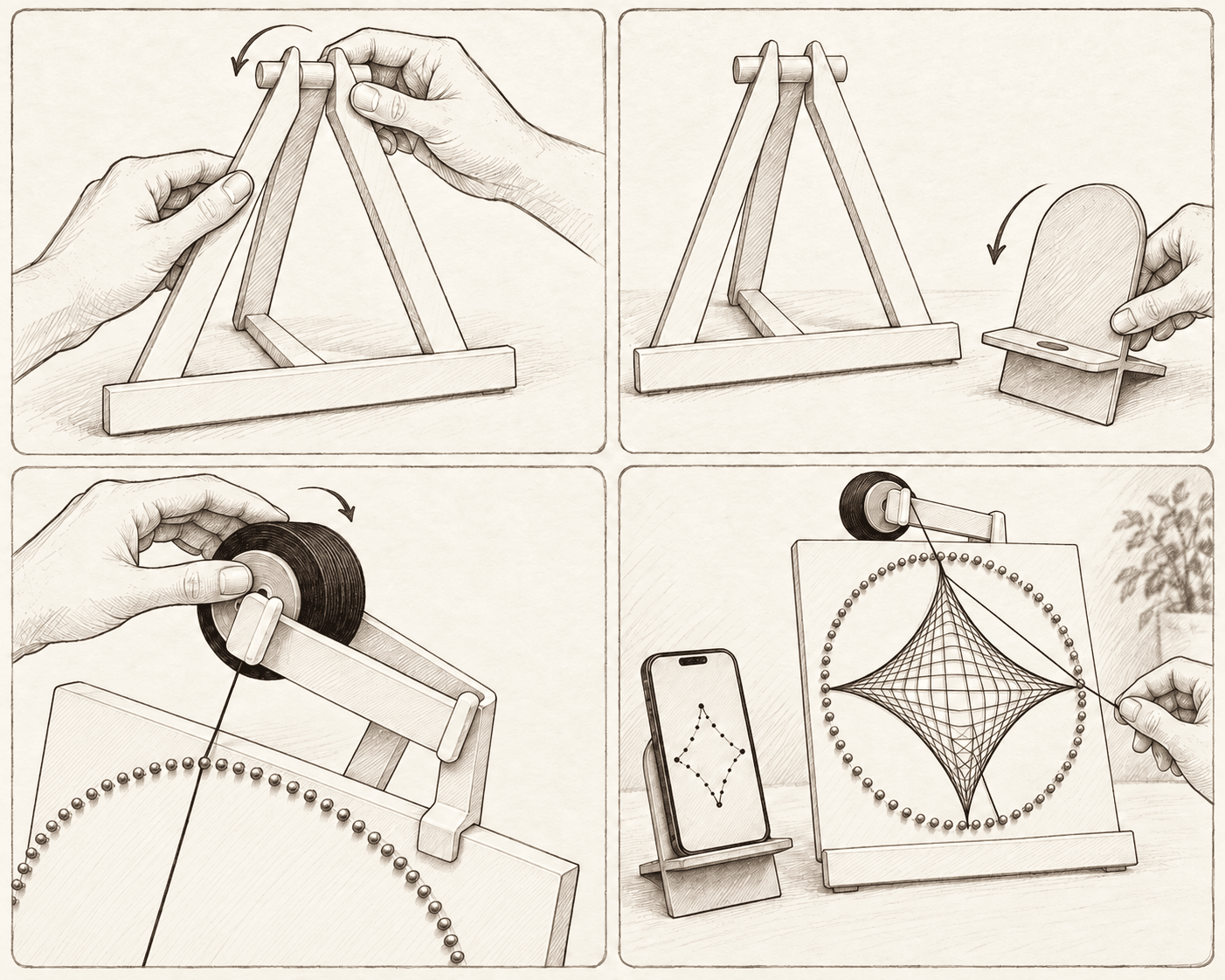
01Assemble the easel
Connect the easel parts and place it on a stable, level surface. Rest the String Art base on the front support.
- 02
Set up the phone stand
Slide the backrest into the stand base and position your phone beside the picture. Keep the screen clearly visible while you work.
 03
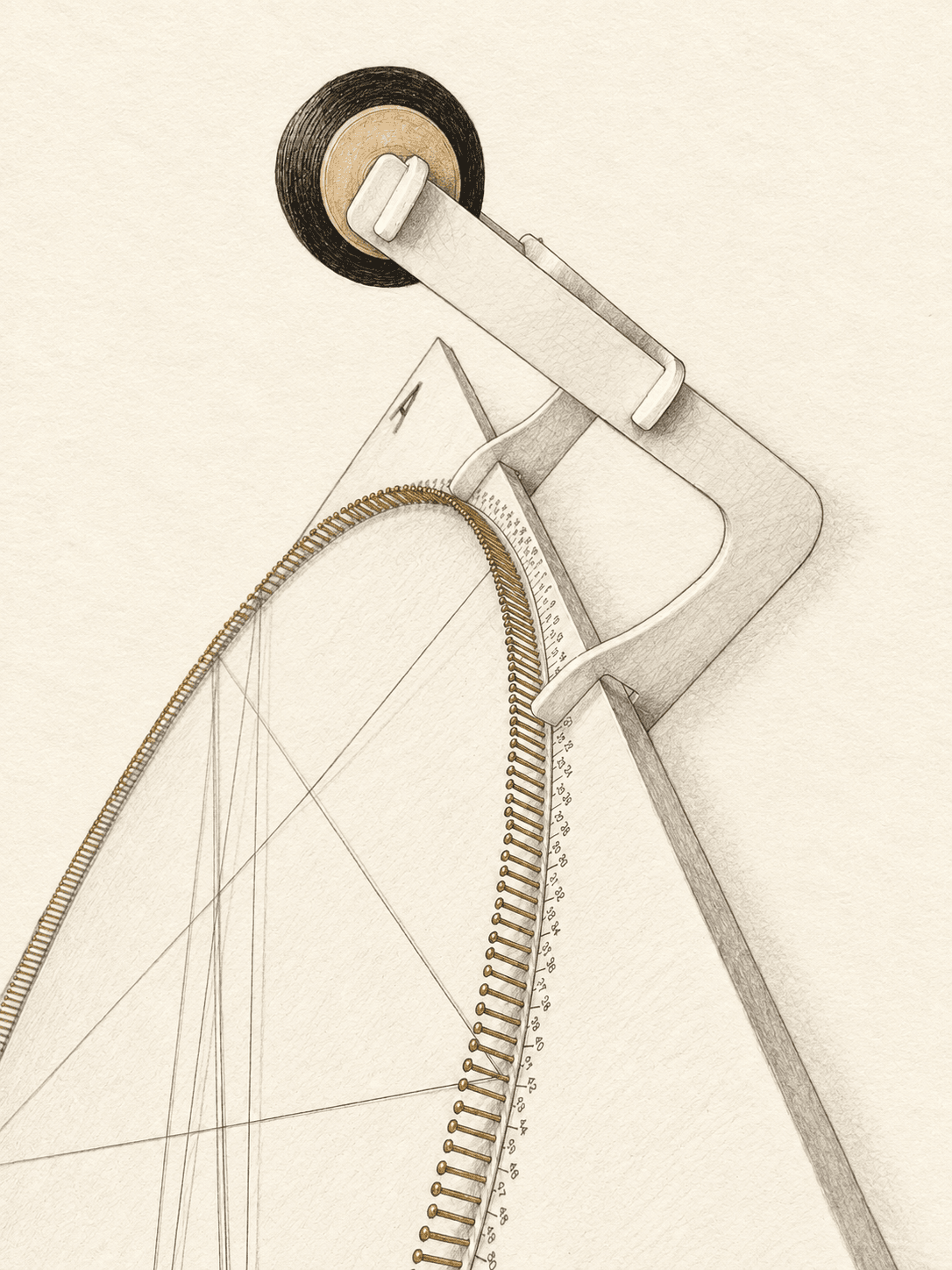
03Mount the thread
Place the spool on the holder, then hook the complete holder over the top of the frame. Check that the thread unwinds freely without catching on the nails.
 04
04Generate and start
Upload a photo to the free generator, prepare your pattern and open it in the editor. Connect the nails in exactly the order shown on the screen.
No hammer or extra preparation needed
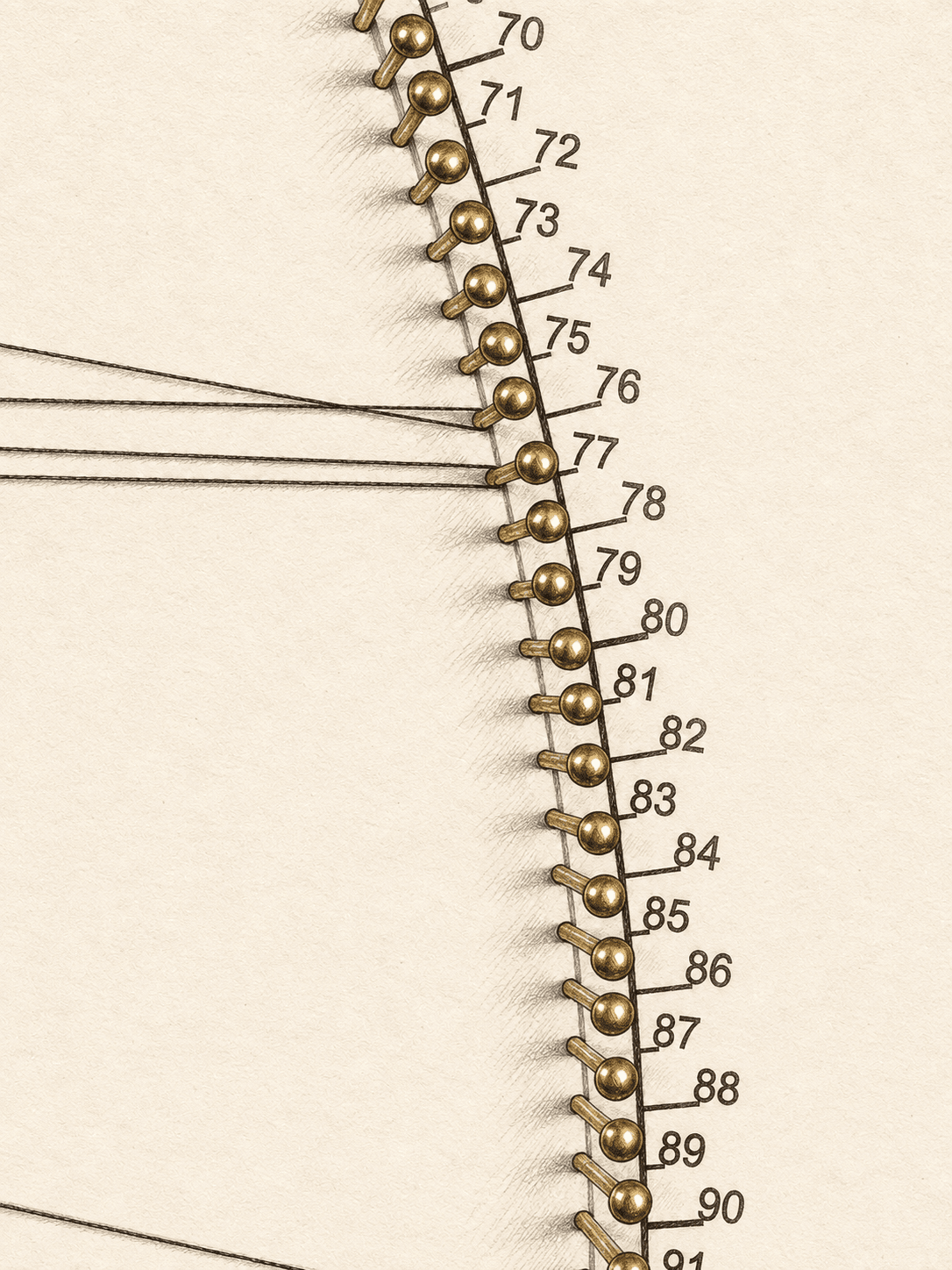
The nails are already installed and numbered. There is no measuring or transferring points from a template - once your workspace is ready, you can begin winding the thread.
Stringer-S
Before the first thread
- Use a stable work surface.
- Leave enough room for the spool to unwind freely.
- Keep your phone charged for longer sessions.
- Tie the starting knot securely without bending the nail.
Workspace ready?
Create your pattern now
The generator is free and you can create as many projects as you like.