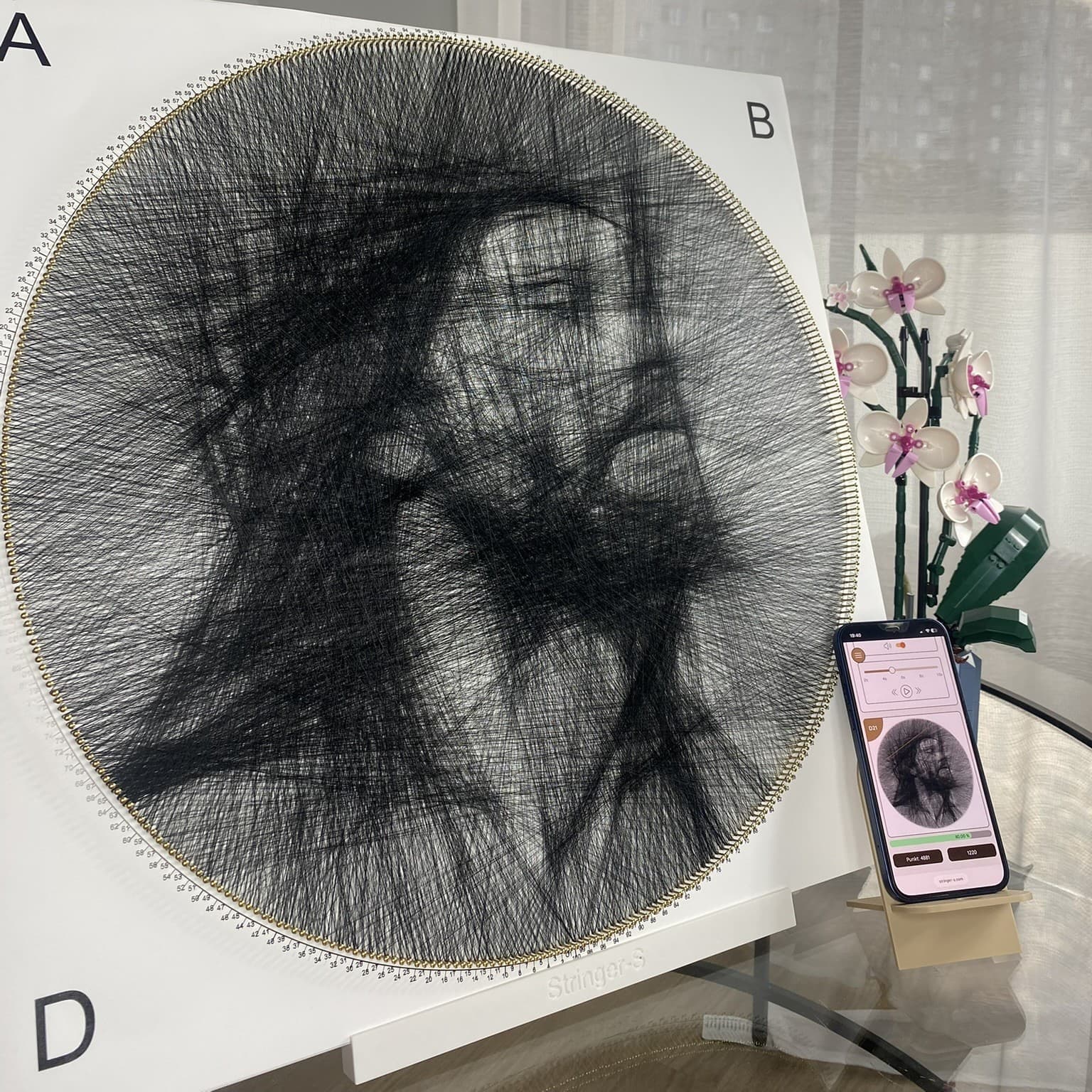
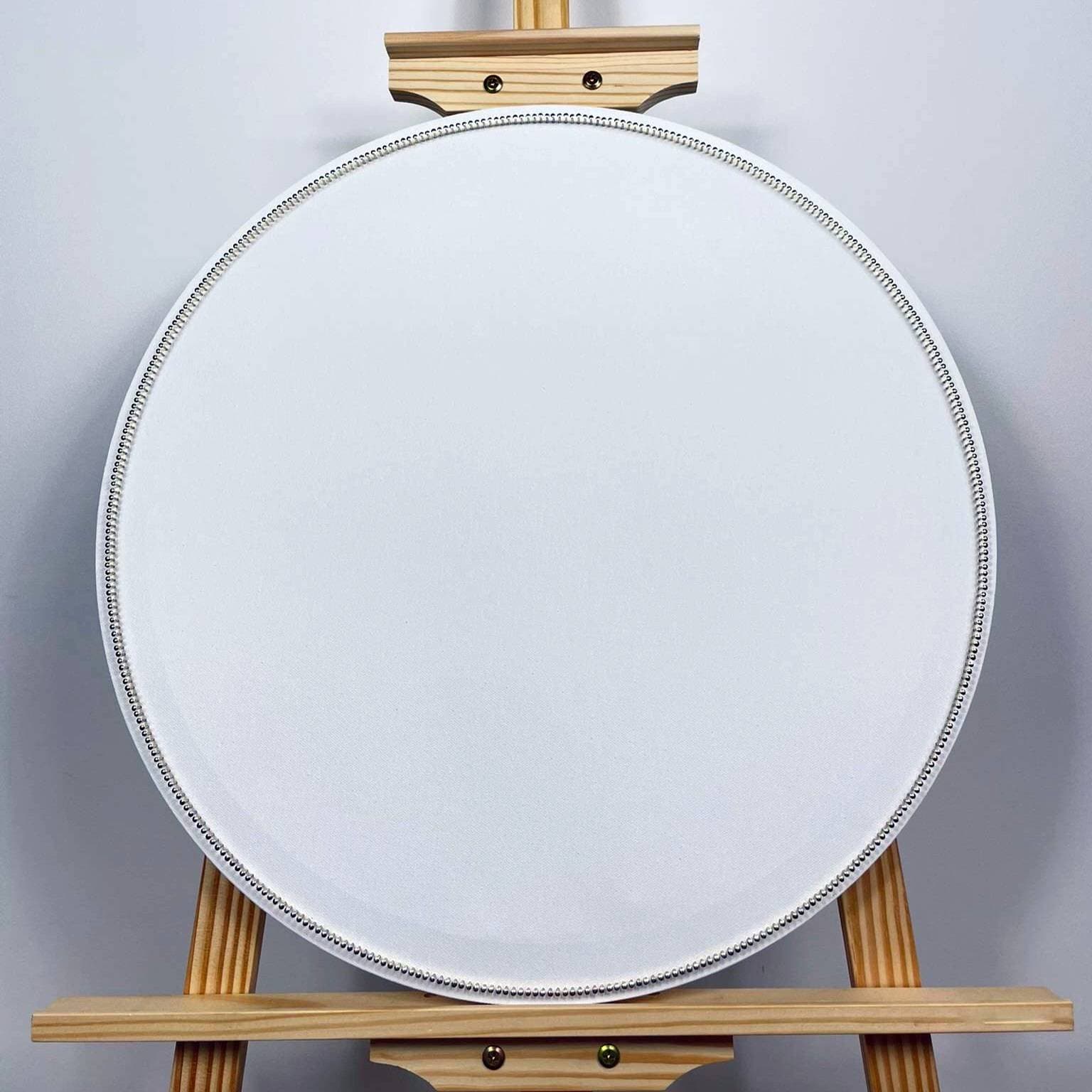
The generator pairs 30 cm with 240 points, 40 cm with 320, 50 cm with 400 and 60 cm with 480.
What the point count changes
Each point is a place where the thread can change direction. A denser layout provides more options for facial features, edges and soft tonal transitions. Fewer points create a simpler, more graphic result.
Point count cannot rescue a weak photo. If the face blends into the background or details disappear in shadow, improve the photo or use the Mark step first.
Presets for 30 to 60 cm bases
The size selection provides a starting point matched to the base: 240 points for 30 cm, 320 for 40 cm, 400 for 50 cm and 480 for 60 cm.
A preset is a safe starting point, not a rule. With a custom base, compare nearby values and judge the preview.
- compare variants with the same crop
- change one value at a time
- match the pattern to the real number of nails
When more points help
A higher value helps when the base really contains more nails and the photo has small, readable details. A simple profile or bold silhouette may not improve noticeably.
Compare generated versions and choose the one that preserves important features without creating needless complexity.
FAQ
Frequently asked questions
Do more points always mean a better image?+
No. They provide more threading options, but the result still depends on the photo, settings and base size.
Can I change the point count after choosing a size?+
Yes. The preset is a starting point, but the final pattern must match the actual nail count on your base.